✓
Cashier and barcodes
Add items by barcode or search by name and code, then review quantities and prices before completing the sale.
Organize cashier and barcode sales across branches and points of sale, and track payments, returns, promotions and cashier custody.
Start your free trial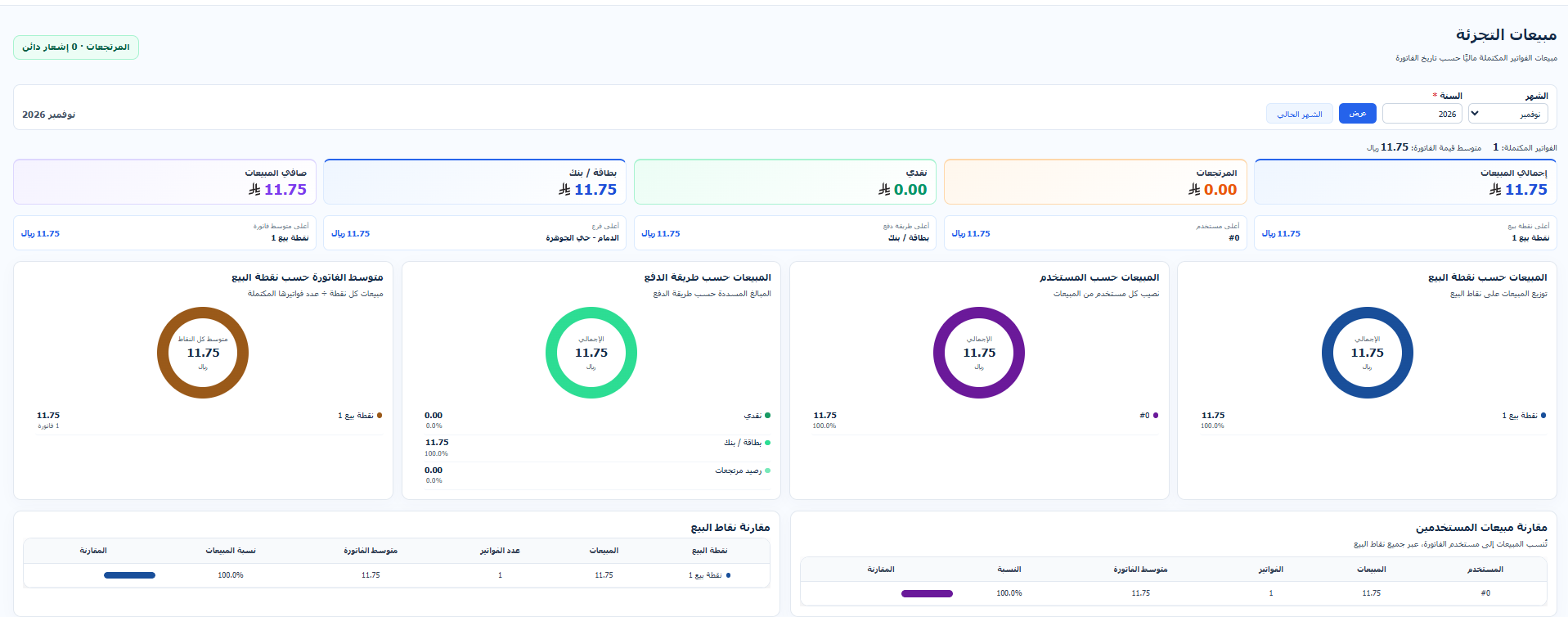
Add items by barcode or search by name and code, then review quantities and prices before completing the sale.
Organize points of sale within branches and assign users and printers.
Record cash, card or credit sales, with split payments across multiple methods.
Find the original invoice and record returned quantities according to the configured return period and permissions.
Set up item, quantity and price promotions and choose their branches and validity period.
Track cashier opening and handover, sales, returns, payment methods and point-of-sale performance.
Select the branch, point of sale, user and printer.
Add items, review totals, record payment and print the invoice.
Review custody, returns and branch sales through reports.