✓
Items and warehouses
Define items, units, barcodes and warehouses, and search by name or code to find an item quickly.
Know each item’s balance, location and movements, and run stocktaking from scope selection through approval of differences.
Start your free trial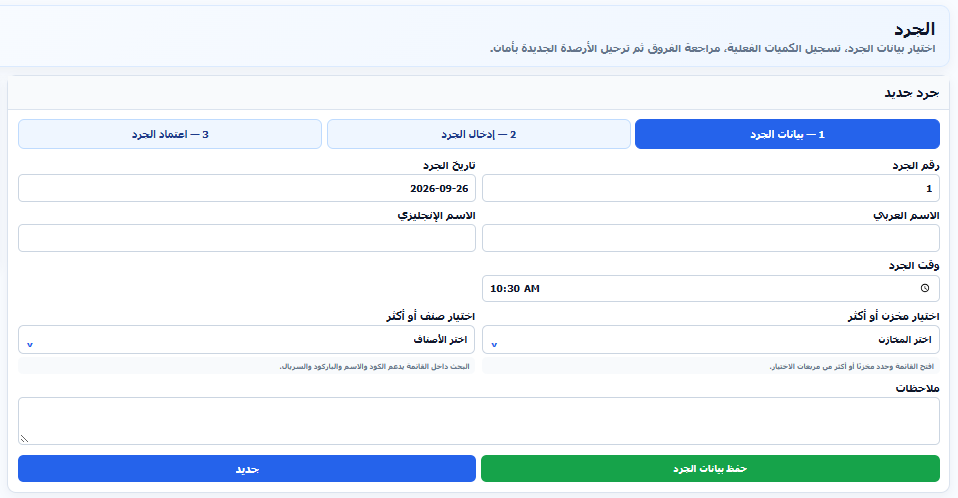
Define items, units, barcodes and warehouses, and search by name or code to find an item quickly.
Review incoming and outgoing quantities and warehouse balances, and trace the documents affecting stock.
Document item transfers between warehouses and track their effect on each warehouse balance.
Select one or more warehouses and items and set the count date and time before recording quantities.
Enter actual quantities, review differences against recorded balances, then approve the count to post the new balances.
Review item data, warehouse balances, item movements and inventory valuation, with filters, printing and export.
Choose warehouses, items and the count date and time.
Enter actual quantities for each item and review differences.
Approve the count and review the results in inventory reports.