✓
Restaurant orders
Handle dine-in, takeaway, delivery, phone and app orders, and follow each order from the cashier screen.
Manage restaurant orders from items and modifiers to preparation and payment, with tables, delivery apps, kitchen printers and cashier printers.
Start your free trial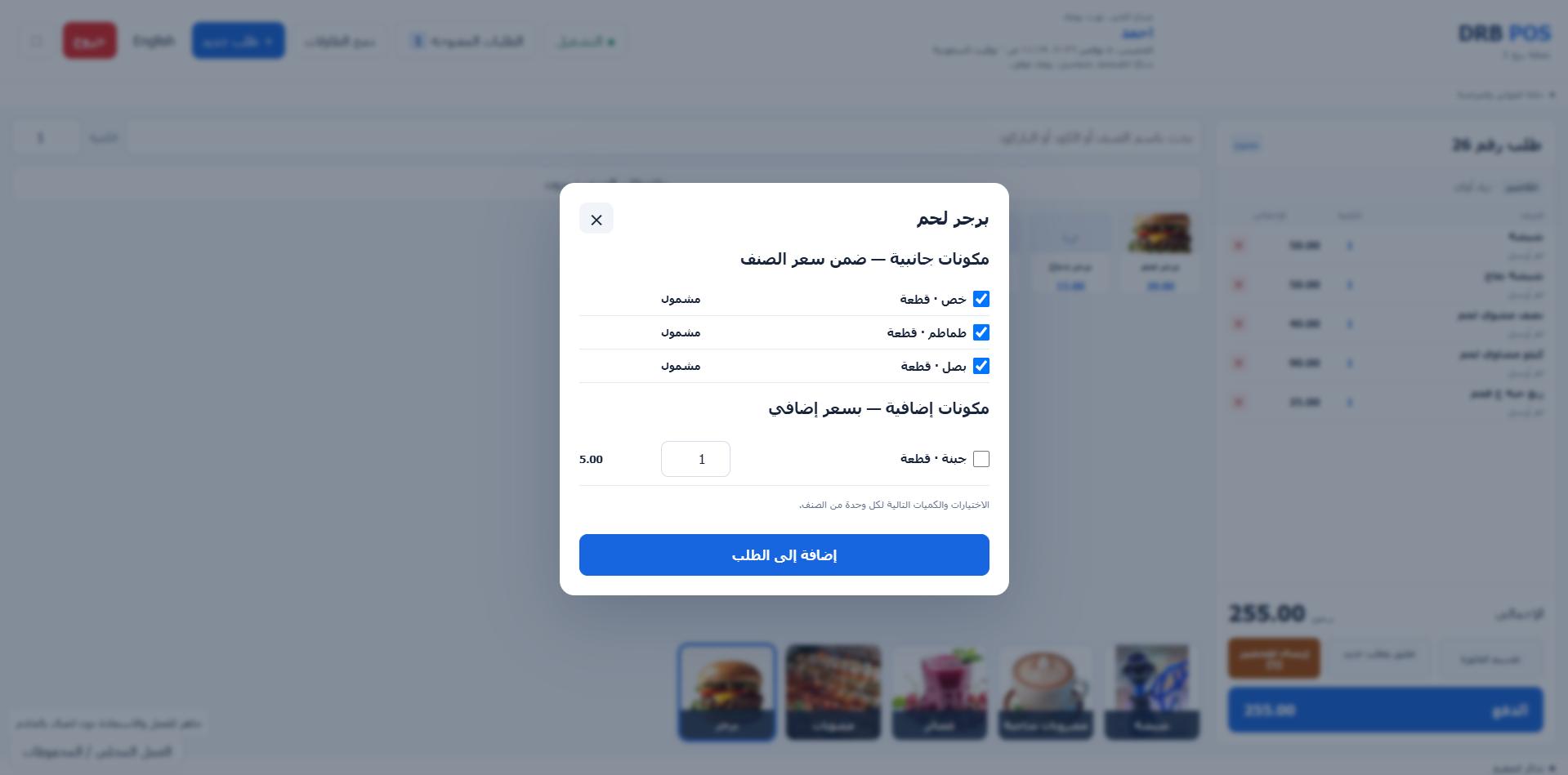
Handle dine-in, takeaway, delivery, phone and app orders, and follow each order from the cashier screen.
Choose included ingredients and select extra ingredients, quantities and prices when recording an order.
Track table statuses and orders, and organize order transfers and merging as service requires.
Connect points of sale to kitchens and preparation printers, and track new, preparing and ready orders.
Record payments using multiple methods and track opening custody and cashier handover.
Set up app items and prices, record app orders, and track collections and settlements through reports.
Set up points of sale, tables, kitchens, printers and items.
Choose items and ingredients and send the order for preparation.
Complete payment and review custody, orders and reports.